Last Updated May 29, 2026
Spooky2 Frequencies & Database: A Practical Guide (2026)
by RifePlayer Team
03 Mins read

A big reason Spooky2 became the most popular Rife system is its frequency database — frequently described as the largest in the world. But that scale also makes it confusing: what are Spooky2 frequencies, how is the database organized, and how do you actually use them? This practical guide breaks it down for 2026.
What Are “Spooky2 Frequencies”?
“Spooky2 frequencies” really refers to two things:
- The frequency database — a vast library of pre-built programs, each a list of specific frequencies grouped around a topic or condition.
- The frequencies themselves — individual values (in hertz) that the system outputs, based on the long lineage of Rife frequency research.
When someone runs a “Spooky2 program,” the software steps through that program’s list of frequencies, driving the connected generator. For background on where these values come from, see our Rife frequencies guide and the history of Dr. Royal Raymond Rife.
How the Spooky2 Database Is Organized
The Spooky2 database pulls together frequency sets from many sources:
- Classic Rife frequencies — values traced to the original Rife lineage.
- Research and modern sets — frequencies drawn from various later researchers and references.
- Community-contributed programs — protocols shared and refined by Spooky2’s large user community.
Programs are searchable by name, condition, or keyword, and can be chained, looped, and scheduled so the software runs them in sequence. This depth is Spooky2’s strength — and also part of its learning curve, because choosing among overlapping programs takes some study.
How You Run Spooky2 Frequencies
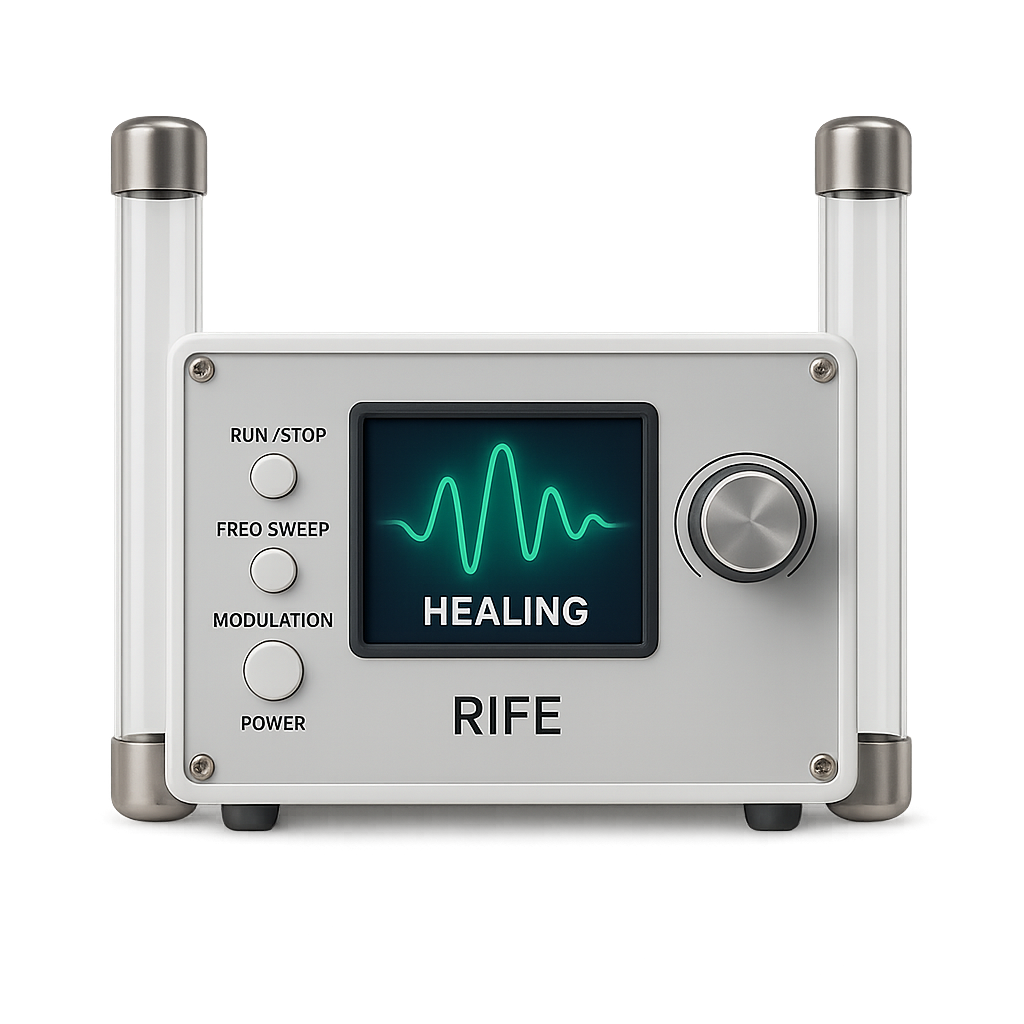
Once you’ve picked a program, Spooky2 needs hardware to deliver it. The same frequency set can be sent through different delivery modes depending on what hardware you own:
- Contact — through pads or hand cylinders.
- Remote — what Spooky2 describes as DNA-sample transmission. (This is a Spooky2 claim, not an established mechanism.)
- Plasma — broadcast through a plasma tube.
- PEMF / cold laser — electromagnetic or light-based delivery.
Crucially, Spooky2 plays the frequencies in a program one at a time, in sequence. A thorough program with many frequencies — each given dwell time — can take a long time to complete a full pass. For more on how output is shaped, see Rife waveforms explained.
The Sequential-Playback Bottleneck
This is the part worth understanding before you commit to any Rife system. Most legacy tools, Spooky2 included, run frequencies sequentially: frequency one, then frequency two, and so on. The more frequencies in a program — and the longer each runs — the longer your session.
For a single short program that’s fine. For comprehensive programs, or for stacking several programs, sessions can stretch into hours.
A Simpler, Faster Approach to the Same Frequencies
RifePlayer takes a different approach to the same idea. It offers a continuously updated, searchable frequency database — pick a program the same way you would in Spooky2 — but instead of sequencing the frequencies, it plays every frequency in a program at the same time.
That one design choice changes the experience:
- Sessions finish in minutes, not hours, because the whole program runs at once.
- No hardware to deliver it — frequencies play as audio through your device’s speakers or headphones.
- Runs on any device — browser, iPhone, iPad, Android, Mac, Windows — with nothing to install.
If your interest is in the frequencies rather than the hardware rig, the simultaneous approach gets you to the same library faster. See Spooky2 vs RifePlayer for the full comparison, or our guide to Rife frequencies through headphones and speakers.
Frequently Asked Questions
How many frequencies are in the Spooky2 database? Thousands, across a large and continually growing set of programs — among the largest libraries available. The community contributes a meaningful share of them.
Can I add my own frequencies to Spooky2? Yes. Like most Rife software, Spooky2 supports custom frequencies and custom programs. RifePlayer also supports custom frequencies.
Does Spooky2 play all frequencies in a program at once? No — Spooky2 plays them sequentially, one at a time. RifePlayer plays them all simultaneously, which is the main reason its sessions are shorter.
Where do Spooky2 frequencies come from? A mix of classic Rife-lineage values, later research sets, and community-contributed protocols. See our Rife frequencies guide for background.
Related Guides
- What Is Spooky2? A Complete Review
- Spooky2 vs RifePlayer: Which Rife System Is Right for You?
- Spooky2 Alternatives: The Best Rife Software in 2026
- The Complete Rife Frequencies Guide
- Rife Waveforms Explained
- Browse the Rife Frequency Database
This article is for educational purposes only and is not medical advice. RifePlayer is a wellness tool, not a treatment for any disease. Consult a qualified healthcare provider for any medical concerns.
Read More Articles
Ready to start your healing journey?
Experience the power of rife frequency therapy with RifePlayer - the easiest way to use rife frequencies for your wellness.