Last Updated May 29, 2026
Spooky2 vs RifePlayer: Which Rife System Is Right for You?
by RifePlayer Team
04 Mins read
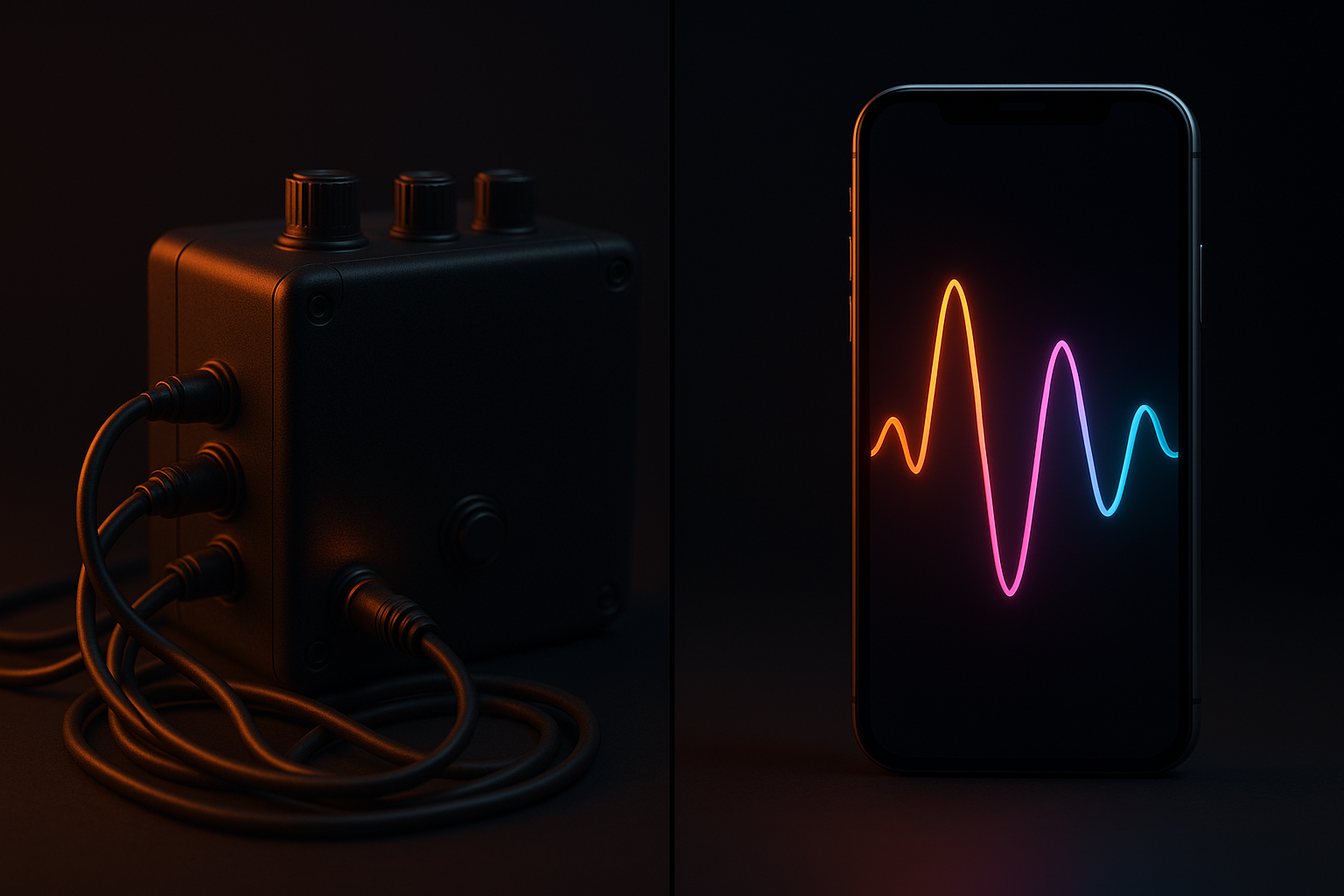
Both Spooky2 and RifePlayer let you run Rife frequencies — but they’re built on opposite philosophies. Spooky2 is a powerful, hardware-driven, Windows-based system for hands-on power users. RifePlayer is modern, software-only, cross-platform, and built to play all frequencies at once. This head-to-head compares them on the things that actually matter so you can pick the right one.
The quick version: choose Spooky2 if you want maximum hardware control and don’t mind the cost and learning curve; choose RifePlayer if you want to run Rife frequencies on any device with no hardware, no install, and far shorter sessions. The rest of this article explains where each wins.
At a Glance
| Feature | Spooky2 | RifePlayer |
|---|---|---|
| Platform | Windows only | Web, iOS, Android, Mac, Windows |
| Hardware required | Yes (generator + accessories) | None |
| Install | Software install + USB hardware | Nothing to install |
| Cost | Free software + hardware ($100–$1,000+) | Subscription |
| Frequency database | Very large, community-driven | Continuously updated, searchable |
| Custom frequencies | Yes | Yes |
| Playback | One frequency at a time (sequential) | All frequencies simultaneously |
| Delivery modes | Contact, remote, plasma, PEMF, laser | Audio (speakers/headphones) |
| Learning curve | Steep | Minimal |
| Maintained | Yes | Yes |
Platform & Setup
Spooky2 runs only on Windows and is anchored to physical hardware. A working setup means installing the software, connecting a generator over USB, and wiring up pads, a boost, or a plasma tube depending on the mode you want. It’s powerful, but it’s a project — and if you own a Mac or want to run sessions from a phone, it’s a non-starter without workarounds. (See Spooky2 on Mac.)
RifePlayer runs in your browser and natively on iPhone, iPad, Android, Mac, and Windows. There’s nothing to install and no hardware to buy or wire up — you open it and play. For most people, “works on the device I already own” is the deciding factor.
Winner for accessibility: RifePlayer. Winner for hardware control: Spooky2.
Playback: The Biggest Difference
This is the single largest gap between the two systems.
Spooky2 plays frequencies sequentially — it steps through the frequencies in a program one at a time. Thorough programs with many frequencies can take a long time to complete a full pass.
RifePlayer plays every frequency in a program simultaneously. Instead of waiting through a sequence, the whole program runs as one combined output, cutting session times from potentially hours down to minutes. It’s the core design choice that makes RifePlayer fast to actually use.
Winner: RifePlayer, for anyone who values their time.
Frequency Database
Both systems lean on large frequency libraries.
- Spooky2 is famous for its database — among the largest available, heavily expanded by its community, and searchable by condition.
- RifePlayer offers a continuously updated, searchable database designed around quick selection and simultaneous playback.
If raw library size and community-contributed protocols are your priority, Spooky2’s depth is hard to beat. If you want a clean, current, searchable library that just plays, RifePlayer is built for that.
Winner: tie, depending on whether you prioritize breadth (Spooky2) or speed-of-use (RifePlayer).
Delivery Methods
This is where Spooky2’s hardware shines. It supports contact pads, what it calls quantum-entanglement remote mode, plasma broadcast, PEMF, and cold laser — a range no software-only tool can match.
RifePlayer delivers frequencies as audio, through your device’s speakers or headphones. For the large share of people who use Rife frequencies through sound, that’s exactly what they want — and it sidesteps the cost, clutter, and setup of plasma tubes and generators. For a deeper look at audio delivery, see Rife frequencies through headphones and speakers.
Winner for delivery variety: Spooky2. Winner for simplicity: RifePlayer.
Ease of Use
Spooky2 has a steep learning curve. The interface is dense, the manual is long, and getting a first program running correctly takes genuine effort. That depth is a feature for power users and a wall for everyone else.
RifePlayer is built to be picked up in minutes — search, select, play. No manual required.
Winner: RifePlayer.
Cost
Spooky2’s software is free, but the system isn’t. A basic generator starts around $100, and realistic starter kits run roughly $331–$346, with full multi-mode setups climbing past $1,000. (See how much Spooky2 costs.)
RifePlayer is a subscription with no hardware to buy — no generators, boosts, pads, or plasma tubes.
Which is “cheaper” depends on the time horizon and how much hardware you’d buy. RifePlayer has a near-zero entry cost; Spooky2 can be cheaper long-term if you’d otherwise pay recurring fees and you genuinely use the hardware. For comparison across the category, see our Rife machine cost guide.
Winner for low entry cost: RifePlayer.
Which Should You Choose?
- Choose Spooky2 if: you want hardware-level control and multiple delivery modes (plasma, contact, remote), you’re comfortable on Windows, you’ll invest time learning the system, and budget for hardware isn’t a blocker.
- Choose RifePlayer if: you want to run Rife frequencies on any device with no hardware and no install, you value fast sessions via simultaneous playback, and you want something you can use in minutes.
The honest summary: Spooky2 is the better laboratory; RifePlayer is the better everyday player. Most people who just want to use Rife frequencies — rather than build and tune a rig — are better served by the platform that runs on the device in their pocket.
Try RifePlayer or browse the frequency database to see how it works.
Frequently Asked Questions
Is RifePlayer a replacement for Spooky2’s hardware? For audio-based frequency use, yes. RifePlayer plays frequencies through your device with no generator or plasma tube. If you specifically need plasma, contact, or remote delivery, that’s Spooky2’s territory.
Does RifePlayer play frequencies one at a time like Spooky2? No — that’s the key difference. RifePlayer plays all frequencies in a program simultaneously, while Spooky2 sequences them one after another.
Can I use Spooky2 on a Mac like RifePlayer? Not natively. Spooky2 is Windows-only; RifePlayer runs on Mac, Windows, iOS, Android, and the web. See Spooky2 on Mac.
Is Spooky2’s software really free? Yes, the software is free — but the system depends on hardware you have to buy. See Spooky2 cost.
Related Guides
- What Is Spooky2? A Complete Review
- Spooky2 Alternatives: The Best Rife Software in 2026
- How Much Does Spooky2 Cost?
- Spooky2 on Mac: Running Rife Frequencies Without Windows
- Browse the Rife Frequency Database
This article is for educational purposes only and is not medical advice. RifePlayer is a wellness tool, not a treatment for any disease. Consult a qualified healthcare provider for any medical concerns.
Read More Articles
Ready to start your healing journey?
Experience the power of rife frequency therapy with RifePlayer - the easiest way to use rife frequencies for your wellness.