Last Updated May 29, 2026
Rife Machines With Audio Input: Which Devices Work With RifePlayer
by RifePlayer Team
04 Mins read
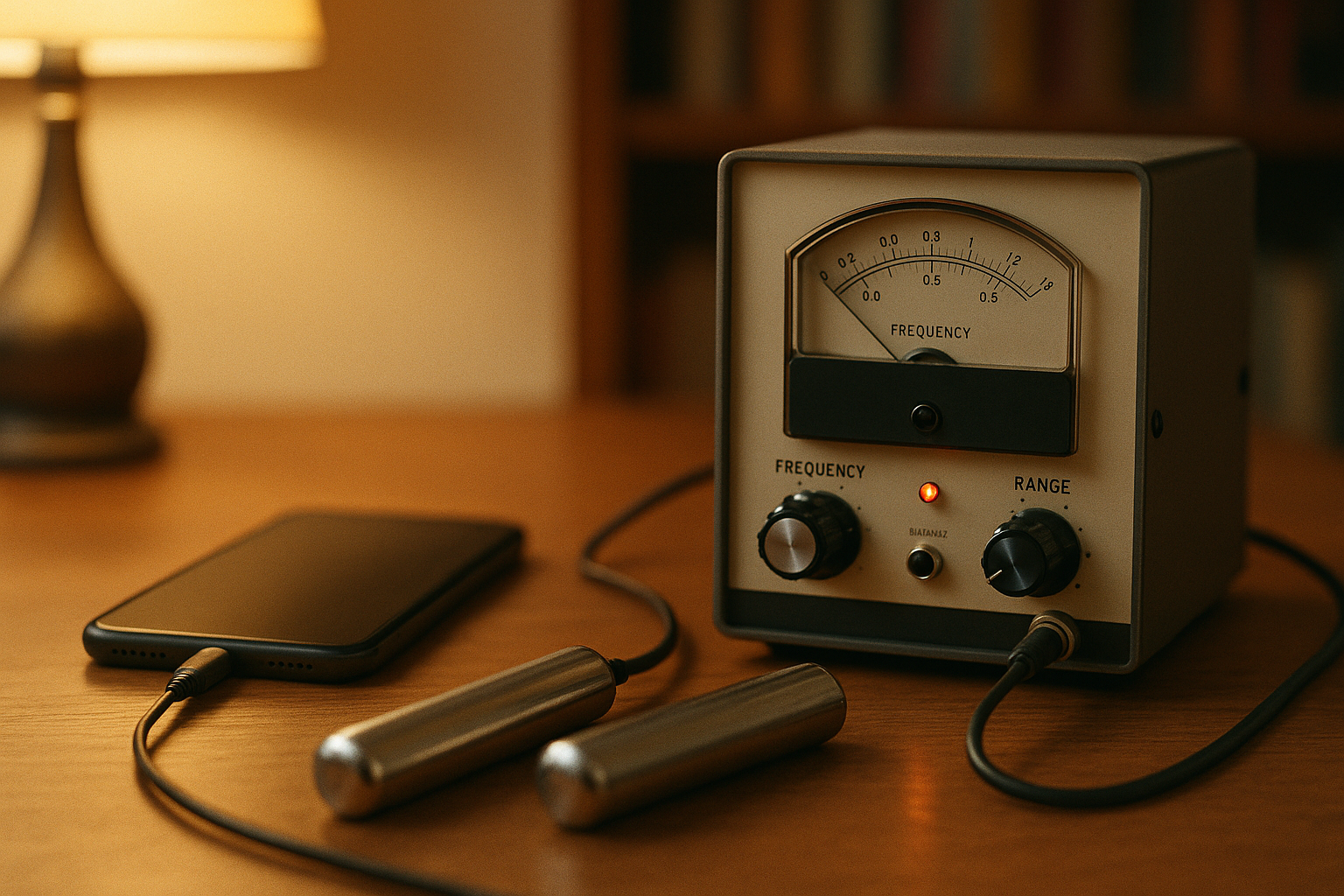
One of the most common questions we get is simple: “Can I plug RifePlayer into my Rife machine?”
The answer depends entirely on whether your device has an audio input — a jack that accepts an external audio signal (from your phone, computer, or tablet) and delivers it to the body. RifePlayer generates frequencies as audio, so any machine with a line/aux input can be driven by it through a standard cable.
Here’s the catch: a lot of popular Rife machines don’t accept audio input. They generate their own signal internally and are controlled by their own software or buttons. Feeding audio into them isn’t possible. This guide separates the two, so you know exactly what to look for before you buy.
What “Audio Input” Actually Means
There are three different things people lump together as “audio Rife,” and only one of them lets you use RifePlayer with hardware:
- Audio input (what this guide is about) — The device has a jack that takes an external audio signal and converts it into output delivered to the body (usually as a gentle electrical/tactile signal through contact electrodes). You supply the frequencies from RifePlayer.
- Audio output — A device or app (including RifePlayer itself) that plays frequencies through headphones or speakers. The “machine” is the audio source. See our guide on using Rife frequencies with headphones and speakers.
- Self-generating machines — The device creates its own signal from an onboard generator. There’s nowhere to plug in an external audio source.
If you want to use RifePlayer with a physical contact device, you need category #1.
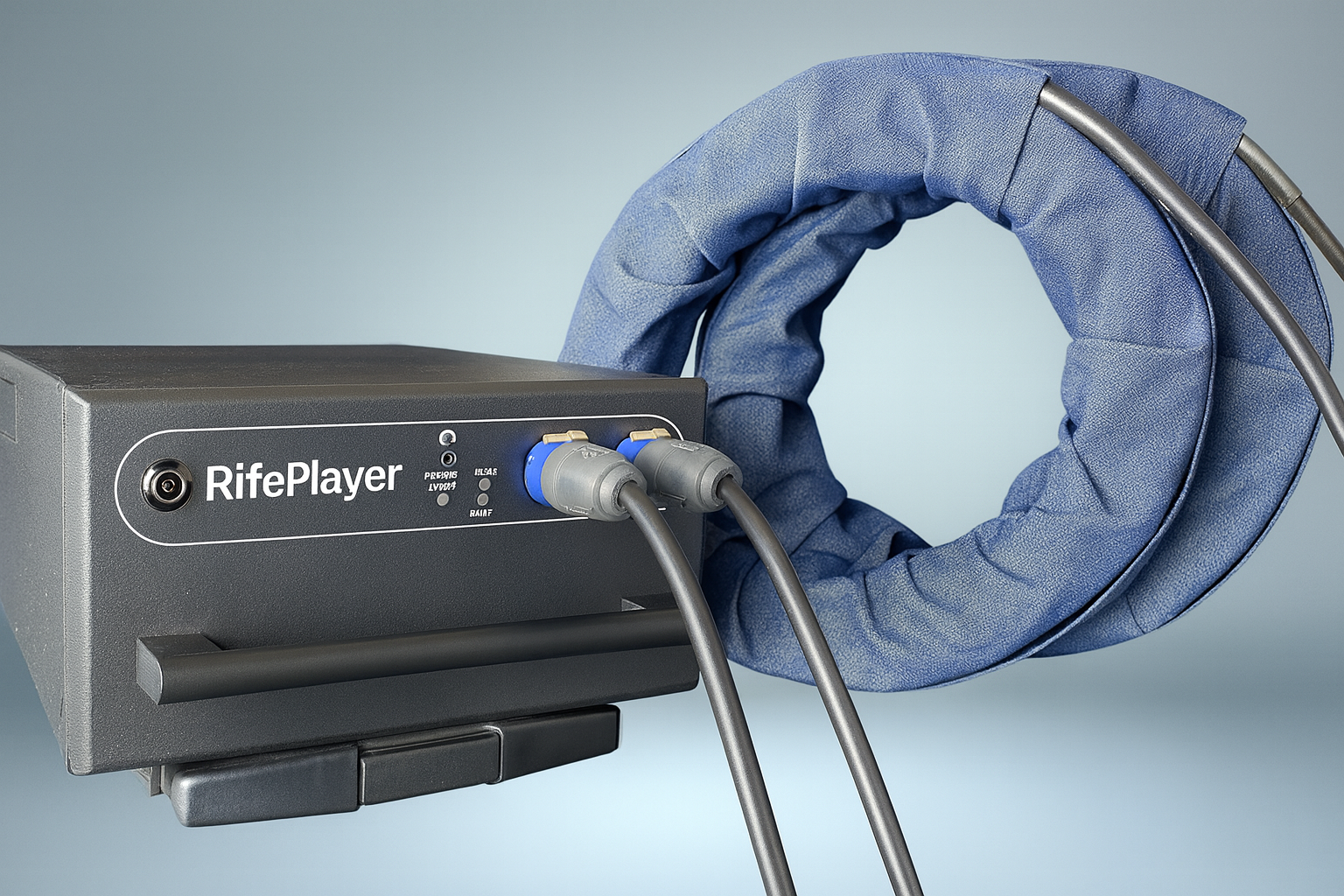
Rife Machines That Accept Audio Input
These are the devices that genuinely take an external audio signal — the ones you can pair with RifePlayer.
JWLABS Model A3.3, A4.1, and LiveWires (Tactio® technology)
The JWLABS “Model A” line is the clearest example of audio-input hardware on the market. Their Tactio® technology is built around it: you connect an audio cable from your computer, tablet, or smartphone’s output into the machine’s input, and it converts that audio — including frequencies played from RifePlayer — into a tactile electrical output you feel through hand-held electrodes.
- JWLABS LiveWires 2.0 — the most affordable, pocket-sized entry point
- JWLABS Model A3.3 — mid-range, digital control
- JWLABS Model A4.1 — touch-screen flagship
Because they’re transducer-style devices, they treat any audio source the same way — which makes them a natural fit for RifePlayer.
The Universal Path: An Audio Amplifier + Contact Electrodes
You don’t actually need a branded “Rife machine” to use audio input. The most accessible setup — sometimes called a “Poor Man’s Rife” — is:
RifePlayer → 3.5mm/RCA cable → powered audio amplifier (with aux/line-in) → hand cylinders or contact pads
Any amplifier with a line input will accept the signal. The frequencies you select in RifePlayer drive the electrodes directly. It’s the cheapest way to move from listening-through-headphones to contact delivery, and it works with hardware almost anyone can buy.
⚠️ Safety first: Always start at a low volume and increase gradually. Use proper contact electrodes designed for skin contact, keep sessions comfortable, and never apply contact electrodes across the chest if you have a pacemaker or other implanted electronic device.
Popular Machines That Do Not Accept Audio Input
This is where a lot of buyers get tripped up. These well-known machines are self-generating — there’s no audio-in jack for RifePlayer:
| Machine | Why you can’t feed it audio |
|---|---|
| Spooky2 XM / GeneratorX | USB-connected DDS signal generators controlled by Spooky2’s own PC software. “Audio mode” on these is an output, not an input. |
| Spooky2 Central | Software-driven plasma/contact system with its own generator. |
| TrueRife F-122 | Generates its own signal; controlled by laptop software. |
| GB4000 (+ MOPA/SR-4) | Onboard generator; the amplifier connects by BNC coax, not audio. |
If your goal is to use RifePlayer, these are the wrong tools — not because they’re bad machines, but because they’re designed to be the frequency source themselves.
How to Tell Before You Buy
When evaluating a machine, look for these signs of true audio input:
- A 3.5mm, RCA, or line/aux input explicitly described as accepting audio from a phone or computer
- Marketing language like “stream your music,” “media adapter,” or “transducer”
- Delivery via contact electrodes that respond to whatever signal you feed in
And these signs that it won’t work with RifePlayer:
- “Requires our software” or “USB connection to PC”
- Built-in frequency database with no audio-in mentioned
- Standalone operation with onboard buttons/touchscreen as the only control
We’ve tagged every machine in our Rife machine database with whether it accepts audio input, so you can check at a glance.
The Simplest Option of All
Before buying any hardware, remember you can experience Rife frequencies right now with just headphones or speakers and RifePlayer — no machine required. Many people start there, then move to a contact device with audio input once they know it’s for them.
Try RifePlayer free and explore the frequency library, then come back to this guide when you’re ready to add hardware.
This article is for educational purposes only. Rife machines and frequency therapy are not approved by the FDA to diagnose, treat, cure, or prevent any disease. Always consult a qualified healthcare provider before beginning any new wellness practice.
Read More Articles
Ready to start your healing journey?
Experience the power of rife frequency therapy with RifePlayer - the easiest way to use rife frequencies for your wellness.